i3 technologies · Collaborate · brought to Israel by Antech
Interactive displays by i3 technologies
i3 technologies, from Diest in Belgium, makes interactive touchscreens, LED walls and the i3CONNECT software that runs them, for classrooms and meeting rooms.
The same displays serve both. Switch the room to see what i3 puts in it.
Classroom
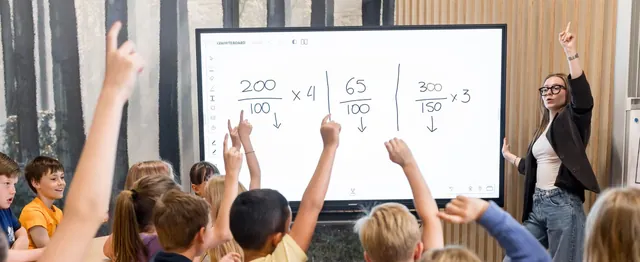
The Elm 2 gives a teacher an Android 14, Google EDLA certified touchscreen with i3CONNECT Studio, Whiteboard and AllSync included, and a choice between the Studio interface and the full Google Play Store at setup. Plug in an i3CAIR and the display also shows temperature, humidity, CO2 and particulate matter, with an alert when the room needs ventilating.
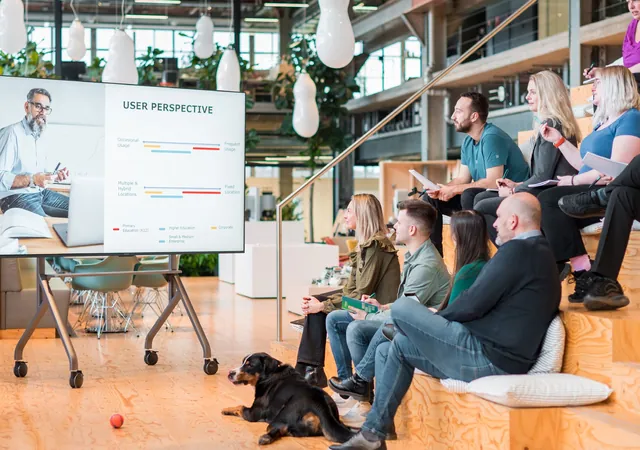
The Aspen 4 brings QLED colour and 80 W Dolby certified speakers to the meeting room, and the Microsoft Teams Rooms bundle adds an XBar V50 camera bar so the meeting runs without a table console. The Cactus covers rooms that only need to show, the i3SIXTY 3 rolls and rotates to where the group is, and the Walnut W1 LED wall handles the largest rooms.
Scroll through the range. Your guide introduces every family and explains each product as it comes into view.
01 · Interactive displays
Interactive displays
Touchscreens from 50 to 86 inch, a non-touch display and an LED wall up to 165 inch, all running i3CONNECT Studio.
These are the screens themselves: three touchscreens, one non-touch display and an LED wall. I'll tell you which one fits your room as we go.
i3CONNECT Elm 2
01
Dependable. Resilient. Sustainable.
Android 14 interactive touchscreen for classrooms, in 65, 75 and 86 inch
Sizes65", 75", 86"
Panel4K LCD, DLED backlight, 450 cd/m²
AndroidAndroid 14, Google EDLA certified
Speakers2 x 20 W + 25 W subwoofer, 65 W total
This is the one I'd put in a classroom. It runs Android 14, is Google EDLA certified, and uses 25% less energy than the previous model, which keeps the budget happy.
QLED interactive touchscreen with 80W Dolby certified speakers, 55 to 86 inch
Sizes55", 65", 75", 86"
PanelQLED with local dimming, 4K, 500 cd/m², DCI-P3 92%
AndroidAndroid 15, Google EDLA certified
Speakers80 W Dolby certified: 2 x 20 W + 40 W subwoofer (subwoofer in 65", 75", 86")
This is the screen for the room where picture and sound matter most. QLED with local dimming, 80 W Dolby certified speakers, and it is made for classrooms and meeting rooms alike.
Non-touch QD-mini LED display with Android 14 and remote control, 65 to 85 inch
Sizes65", 75", 85"
PanelQD-Mini LED with local dimming, up to 420 zones, 4K, 550 cd/m²
AndroidAndroid 14
Speakers2 x 15 W + 20 W subwoofer, Dolby Atmos certified
No touch on this one, on purpose. It runs the same i3CONNECT Studio interface from a remote control, with QD-mini LED, up to 420 dimming zones and 50 W Dolby Atmos audio for a meeting room that only needs to show.
All-in-one LED wall, 138 or 165 inch, interactive via an i3SIXTY companion display
Sizes138", 165"
Pixel pitch1.5 mm (138"), 1.9 mm (165")
PanelHOB-LED, 1920 x 1080 FHD, 600 cd/m²
AndroidAndroid 13, 8 GB RAM
This is my answer for a room too big for a touchscreen. A 138 or 165 inch LED wall with the speakers on top so the crowd does not block the sound, and an i3SIXTY companion display if you want to draw on it.
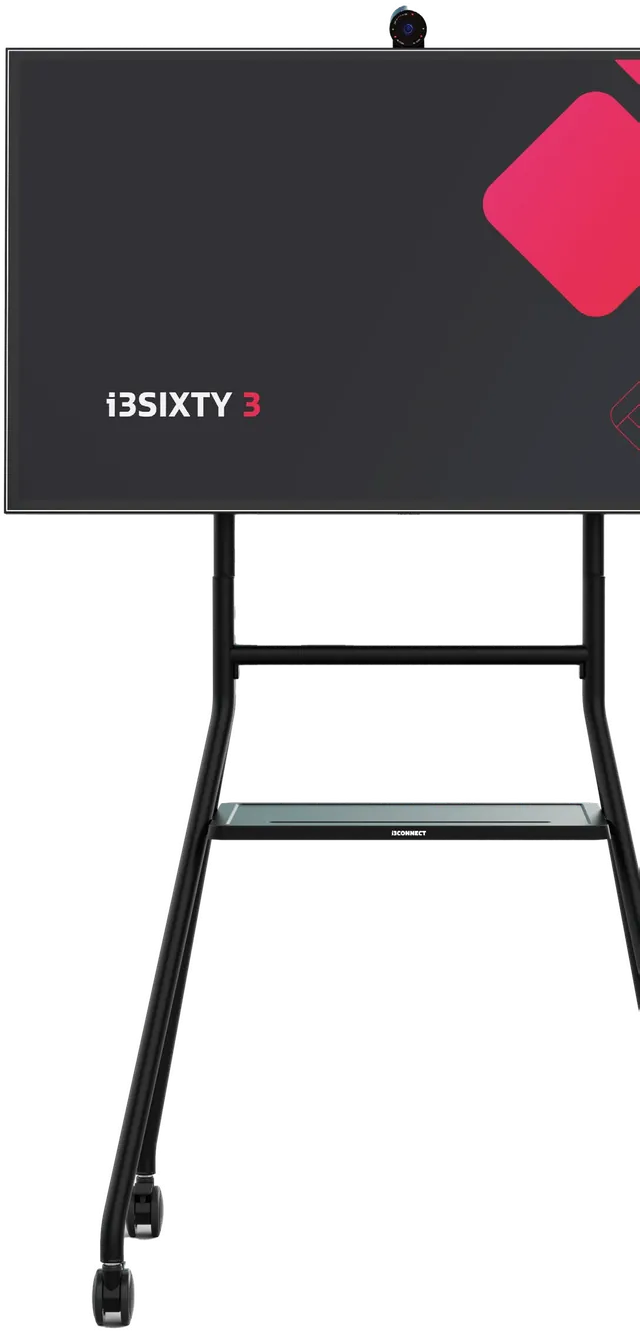
Rotating 50 or 65 inch touchscreen on a mobile stand, capacitive touch, Android 13
Sizes50", 65"
Panel4K LCD, 450 cd/m²
AndroidAndroid 13, EDLA certified
TouchCapacitive, 20 touch points
I'd roll this one into whichever room needs it today. It turns 90 degrees between landscape and portrait, has capacitive touch that feels like pen on paper, and connects to your laptop with a single USB-C cable.
The software that comes on the displays, plus Cortex for managing them remotely.
Every display ships with i3CONNECT Studio and AllSync already on it. Cortex is the extra piece that lets the IT admin look after all of them from one place.
i3CONNECT Cortex
06
Take control of all of your displays
Cloud tool to manage, monitor and control a fleet of i3CONNECT displays remotely
PlansBasic (free), Plus, Pro
PricingPlus €19,95 and Pro €27,50 per display per year
Trial90-day free Cortex Pro trial, no credit card required
Offline devicesCommand queueing: updates apply when a display reconnects
This is how one IT admin looks after a hundred displays. Settings, firmware updates and power schedules go out remotely, and if a display is offline the command waits in a queue until it reconnects.
Interface, whiteboard and wireless sharing software included on i3CONNECT displays
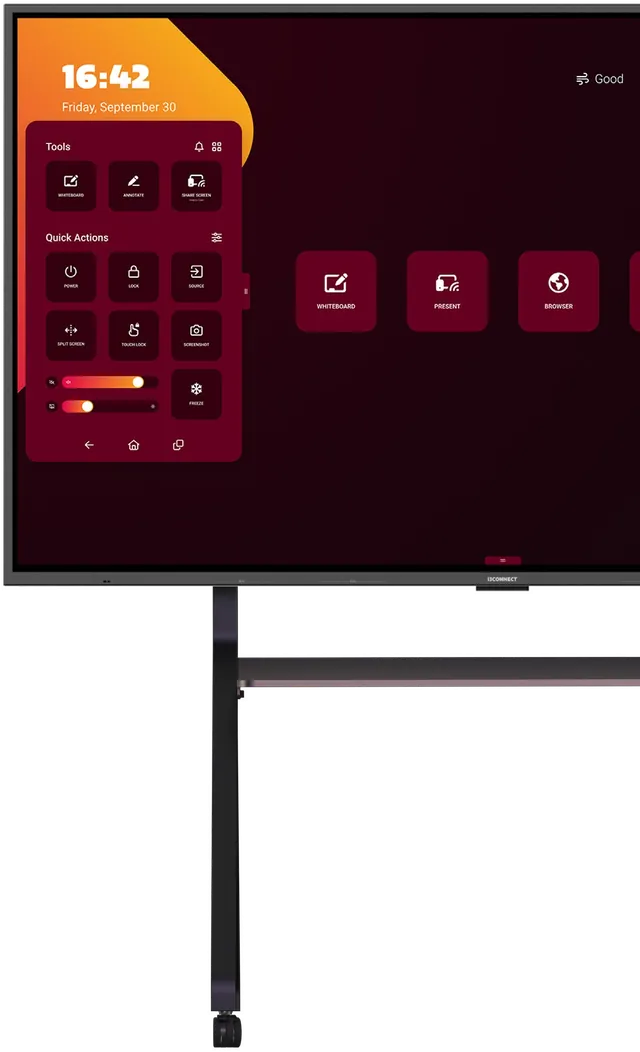
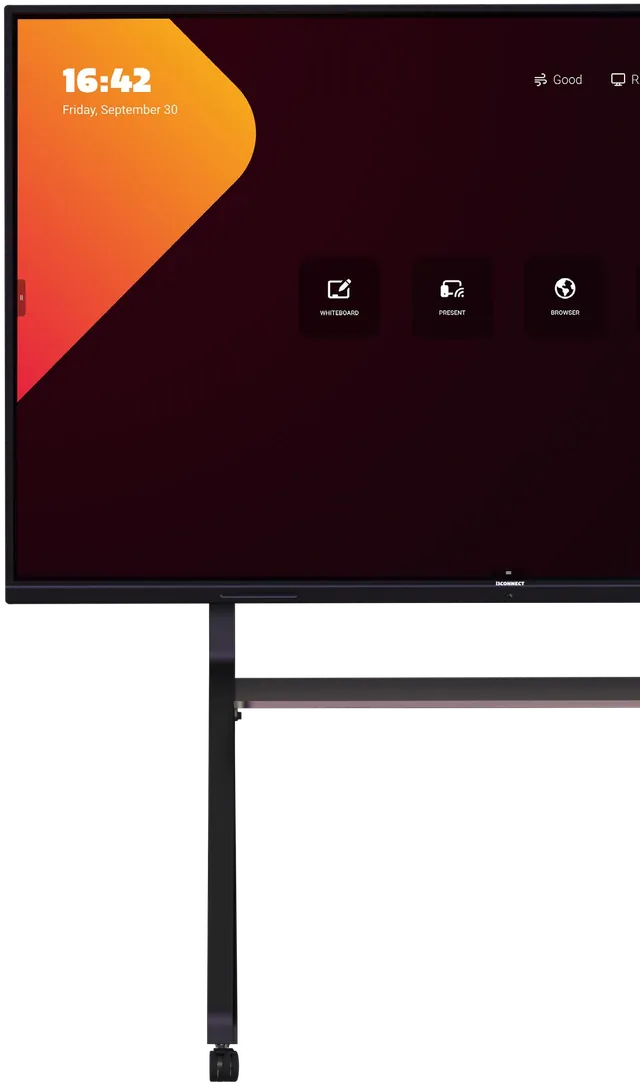
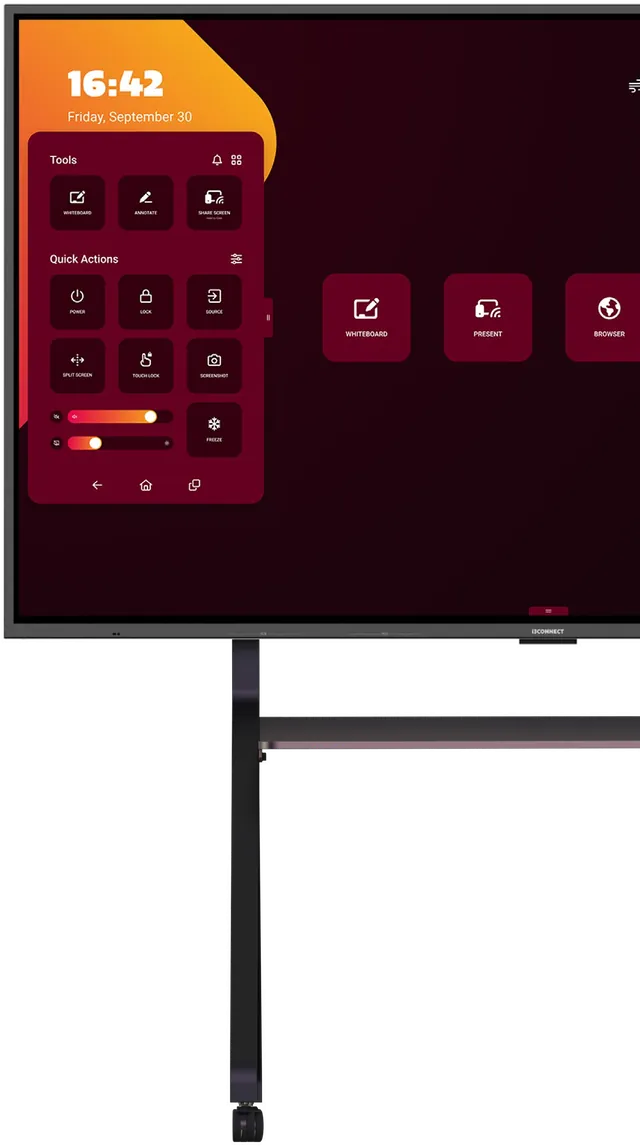
i3CONNECT StudioCustomisable interface and home screen; on Elm 2 you choose Studio or Google EDLA at setup
i3CONNECT WhiteboardWhiteboarding and annotation software, developed in-house
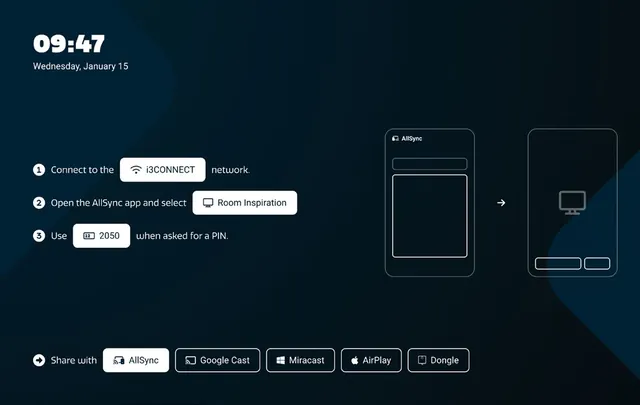
i3CONNECT AllSyncWireless sharing from Windows, Android, MacOS, iOS and ChromeOS
Included onStudio and AllSync on all displays; Whiteboard on Elm 2, Aspen 4 and i3SIXTY 3
This is what you see when you walk up to any i3CONNECT display. Studio is the home screen, Whiteboard is where you write and annotate, and AllSync shares a laptop or phone screen wirelessly.
A ready-made meeting room set built around the Aspen 4.
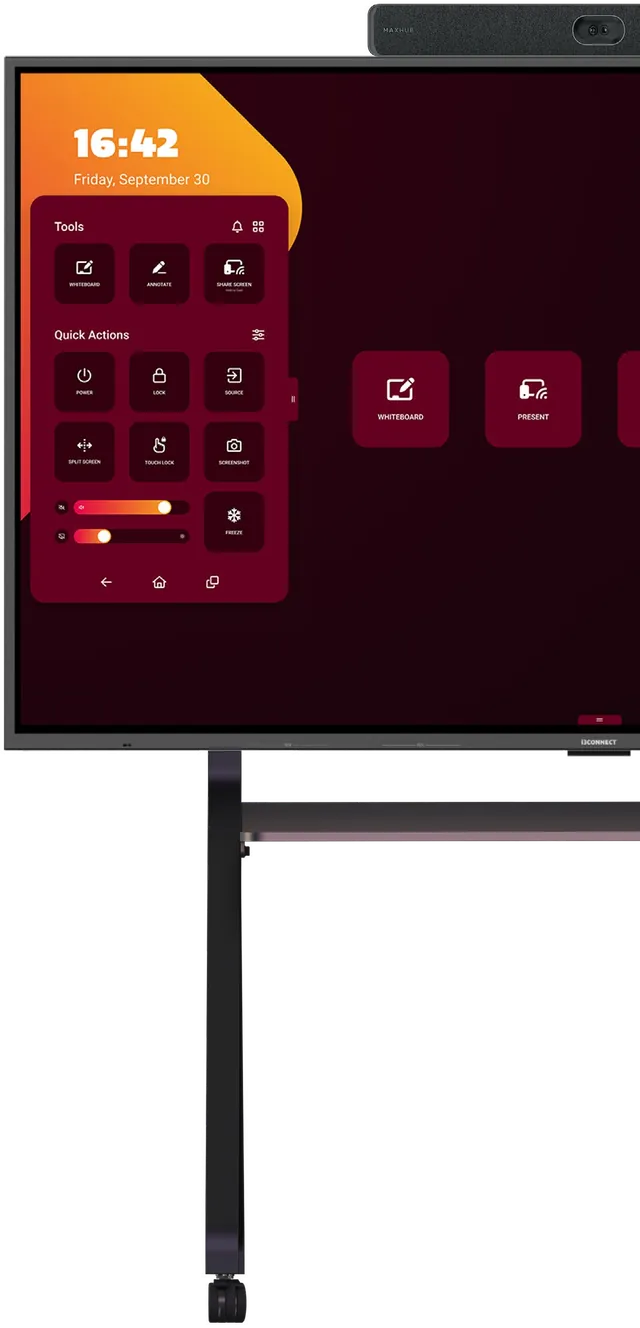
This one is for Microsoft Teams rooms. It pairs the Aspen 4 with an XBar V50 camera bar so the whole meeting runs from the screen, with no table console.
Aspen 4 Microsoft Teams Rooms Bundle
08
Add flexibility to your MTR needs
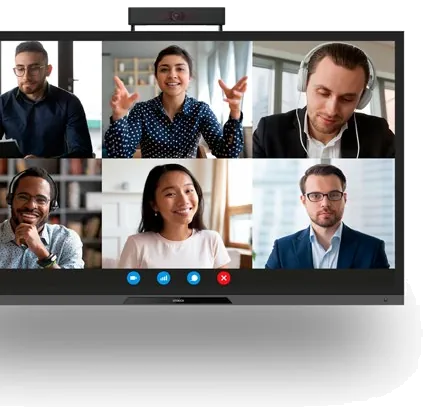
Aspen 4 touchscreen paired with an XBar V50 camera bar for Microsoft Teams Rooms
Displayi3CONNECT Aspen 4 in 55", 65", 75" or 86", Android 15
MTR deviceXBar V50 running Microsoft MDEP, Android 13
Camera2 x 50MP, 130° field of view, 6x digital zoom, auto framing
Microphones12-mic array, 8 m pickup range
If your meetings run on Microsoft Teams, this is the setup I'd show you. The XBar V50 handles camera and microphones, the Aspen 4 handles touch and whiteboarding that every remote attendee sees, and nothing sits on the table.
Mounts, a motorised lift, USB cameras, an air quality sensor and slot-in Windows PCs for the displays.
Here is everything that holds, lifts or plugs into the displays. I'd pick the mount first, then the camera, then the OPS PC if you need Windows inside the screen.
i3CONNECT OPS
09
OPS, I did it again
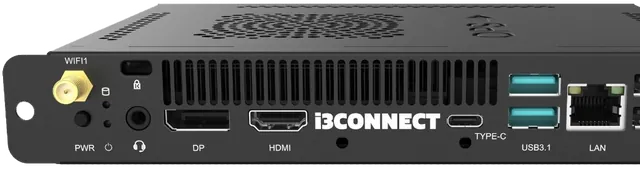
Slot-in Windows 11 PC module for i3CONNECT displays, Intel Core i5 or i7
i3CONNECT 512-J OPSIntel Core i5-12450H, 16GB DDR4, 256GB SSD, Wi-Fi 6, Windows 11 Pro
i3CONNECT 713-J OPSIntel Core i7-13620H, 16GB dual channel DDR4, 256GB SSD, Wi-Fi 6E, Windows 11 Pro
GraphicsIntel Iris Xe Graphics (all models)
This slots into the back of the display and turns it into a Windows 11 PC. There are three models: two with an Intel Core i5 and one with a Core i7, with Windows 11 Pro or Windows 11 IoT Enterprise.
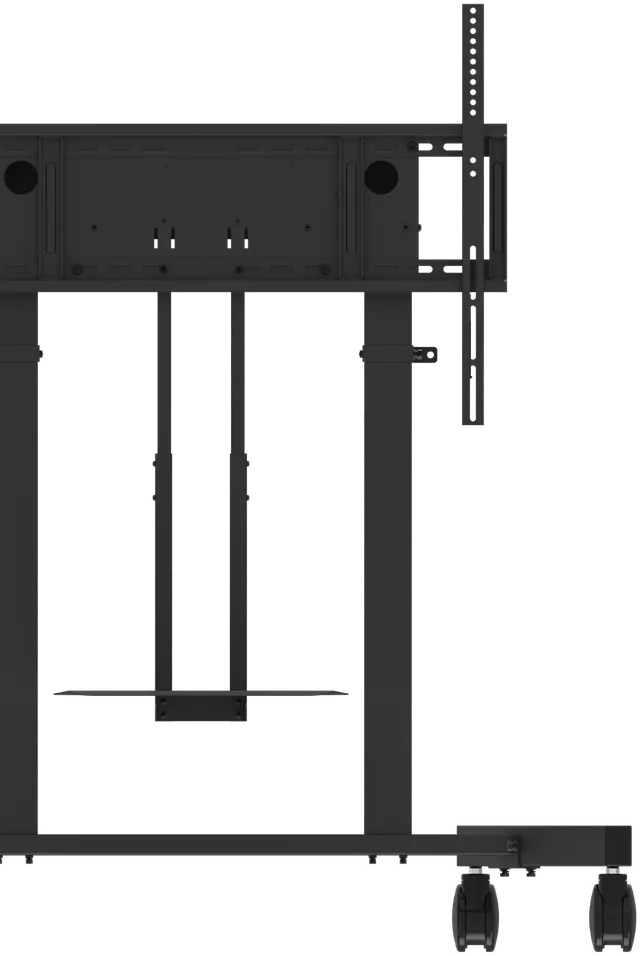
Motorised height-adjustable lift for 55 to 86 inch displays, wall or mobile version
VersionsLift 4 Wall and Lift 4 Mobile, optional laptop tray
Lift range675 mm (925 to 1600 mm), up to 38 mm/s, electric motor
Max weight120 kg (strength tested to 480 kg)
FitsOne 55" to 86" display, VESA 200 to 800 mm (W) x 200 to 600 mm (H)
This is the lift I'd choose when the screen has to move up and down for different users. It raises 675 mm by motor, holds up to 120 kg, and you set the height from the touchscreen menu over USB.
Fixed-height steel wall mount for 55 to 86 inch displays, up to 120 kg
TypeFixed height wall mount
Max weight120 kg (strength tested to 480 kg)
Fits55" to 86", VESA 200 to 800 mm (W) x 200 to 600 mm (H)
Profile35 mm to the wall
This is the simple fixed wall mount. It holds 55 to 86 inch displays up to 120 kg, sits 35 mm from the wall, and the spring lock releases quickly when the screen needs to come down.
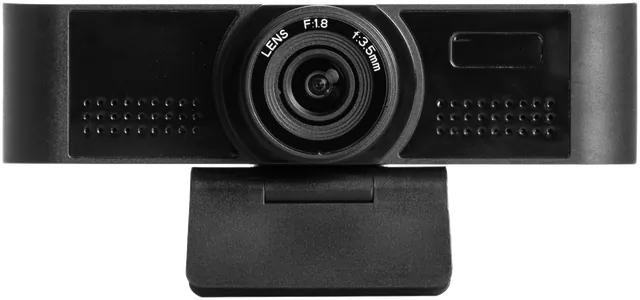
MicrophoneOmnidirectional, 12 meter pickup, noise suppression
This is the camera I'd pair with a display for hybrid lessons or bigger rooms. 4K picture, a 120 degree lens, face recognition, and a microphone that picks up voices from 12 meters.
Wellbeing IndexOne indicator built from the four parameters, with alerts to ventilate
On the displayWidget in the EDU / BIZ Studio launcher, real-time data and 7-day history
ConnectionOne USB-C cable to the display, plug and play
This is the sensor I'd add to a classroom. It plugs into the display over USB-C and shows temperature, humidity, CO2 and particulate matter, with an alert when the room needs fresh air.